
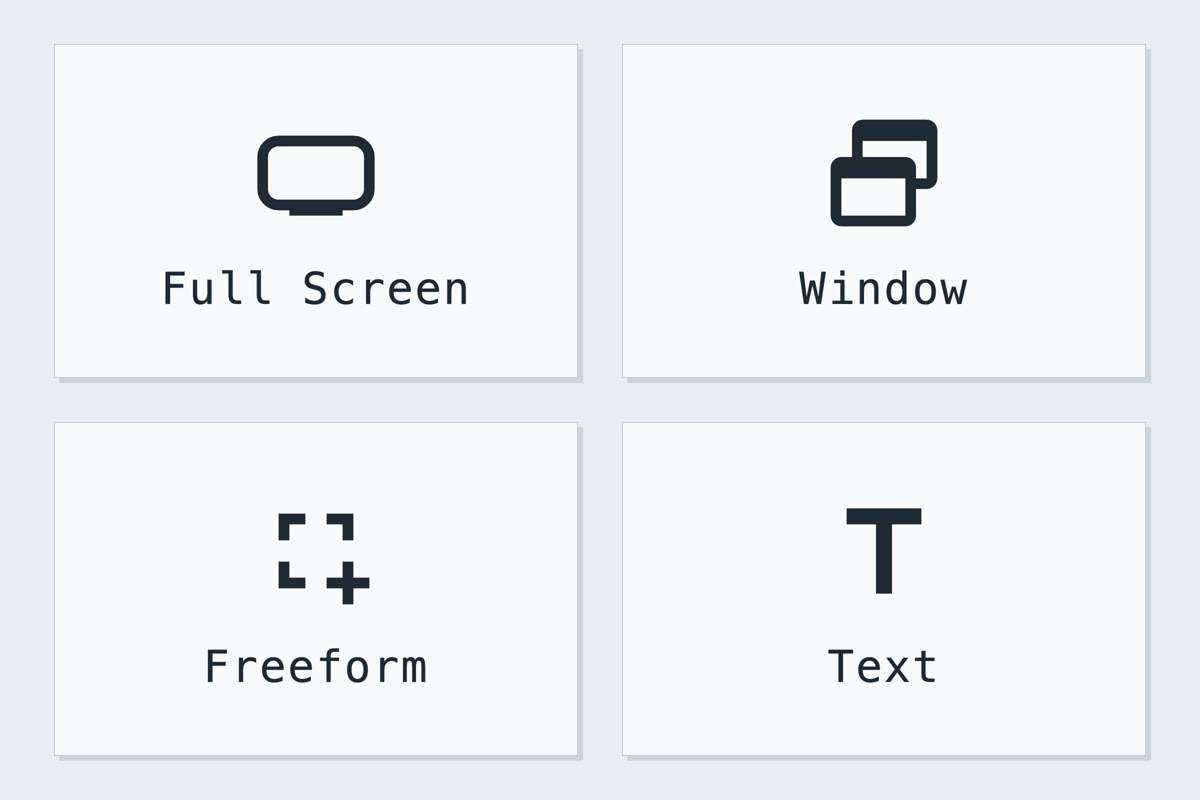
Capture
Record a workflow, grab a single window, select a custom region, or convert text using OCR.
GuideLab is a free standalone tool for Mac and Windows that enables high-quality document generation for install guides, user manuals, and more.
Record a workflow, grab a single window, select a custom region, or convert text using OCR.
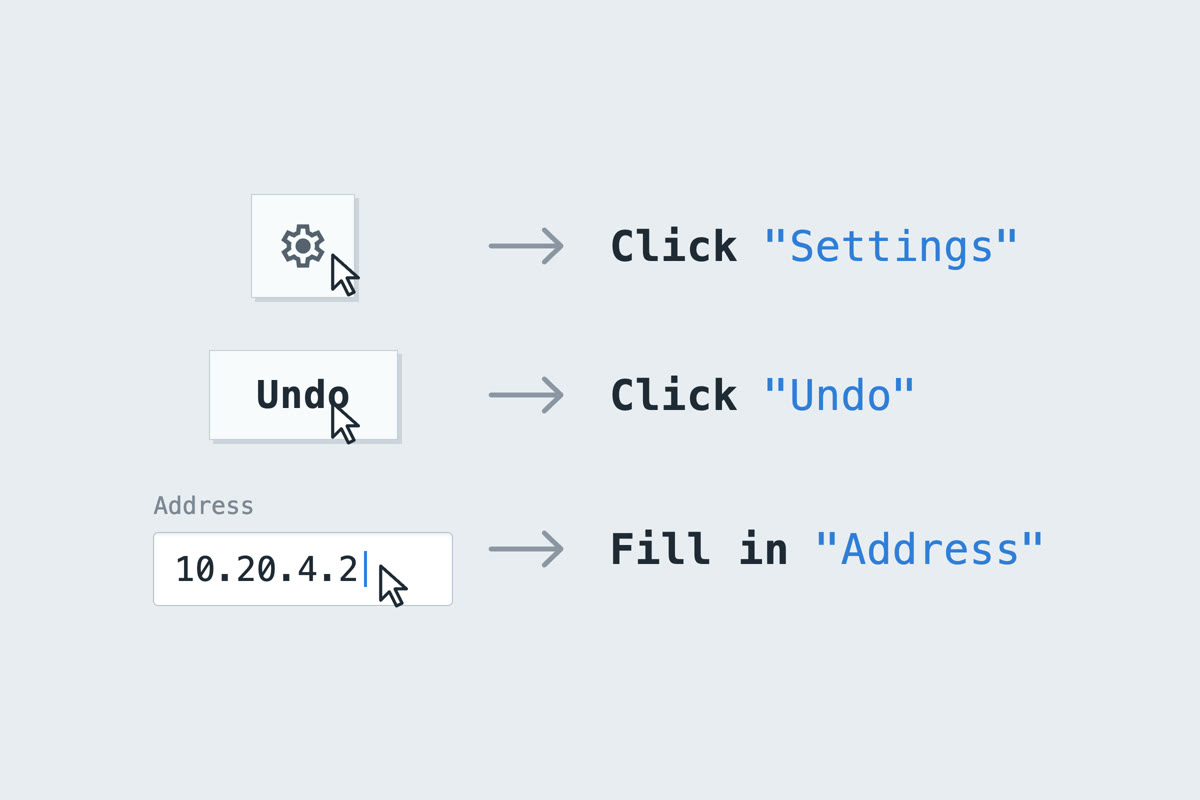
GuideLab’s multi-tiered element detection module intelligently determines the identity of clicked icons, fields and buttons in most applications.
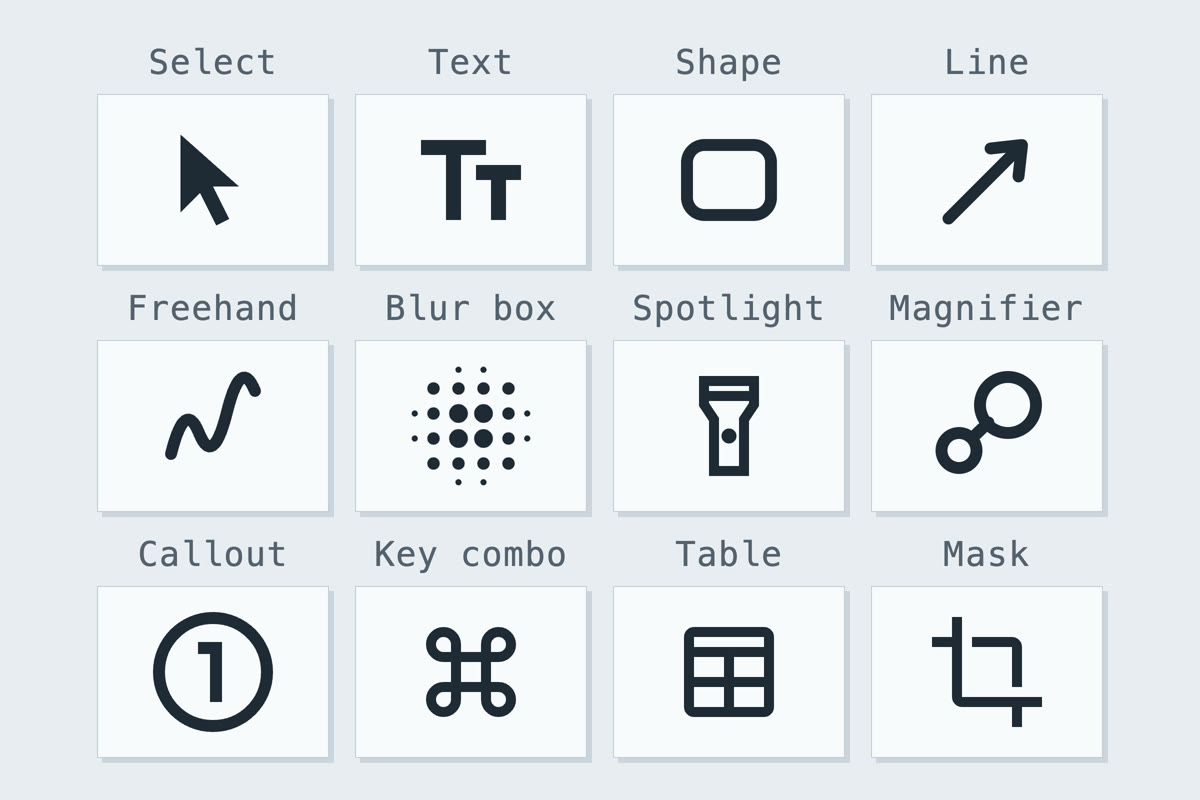
A rich annotation system allows you to craft detailed visual walkthroughs with a ton of customization options.
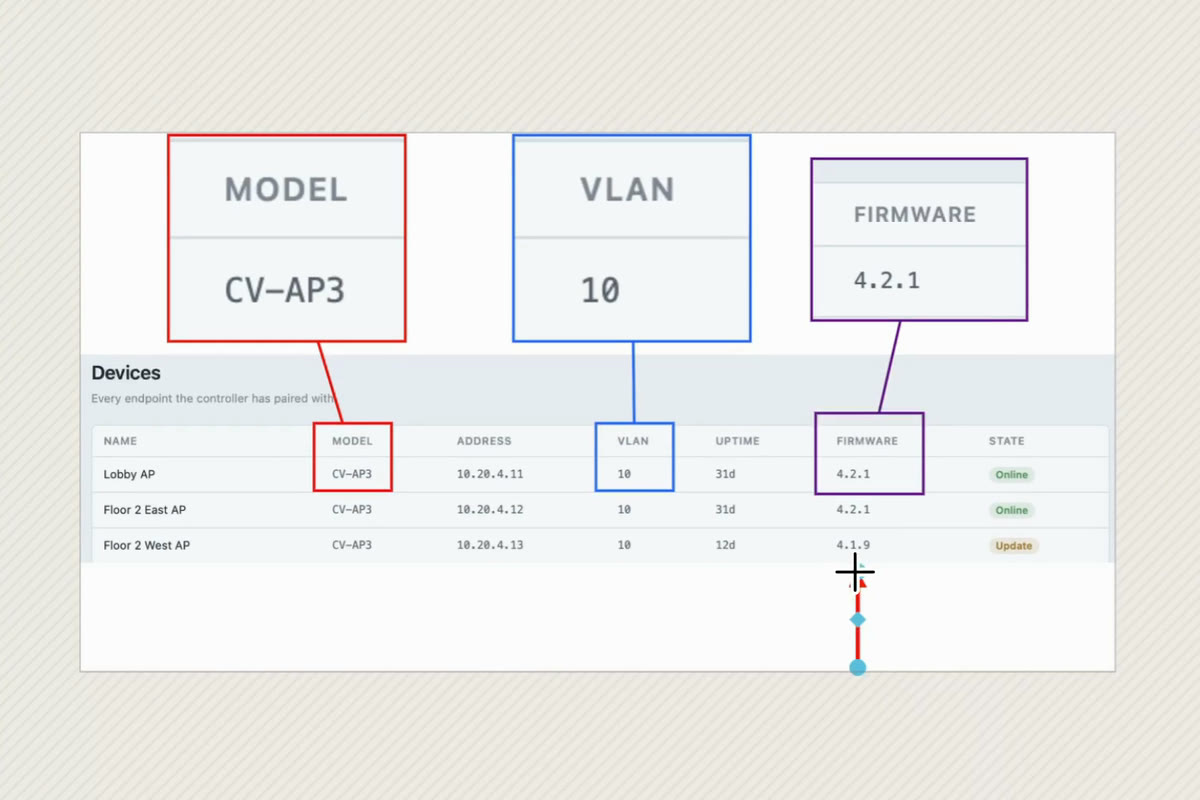
Steps are built on an expanding canvas, with support for multiple images and annotations wherever you need them to be.
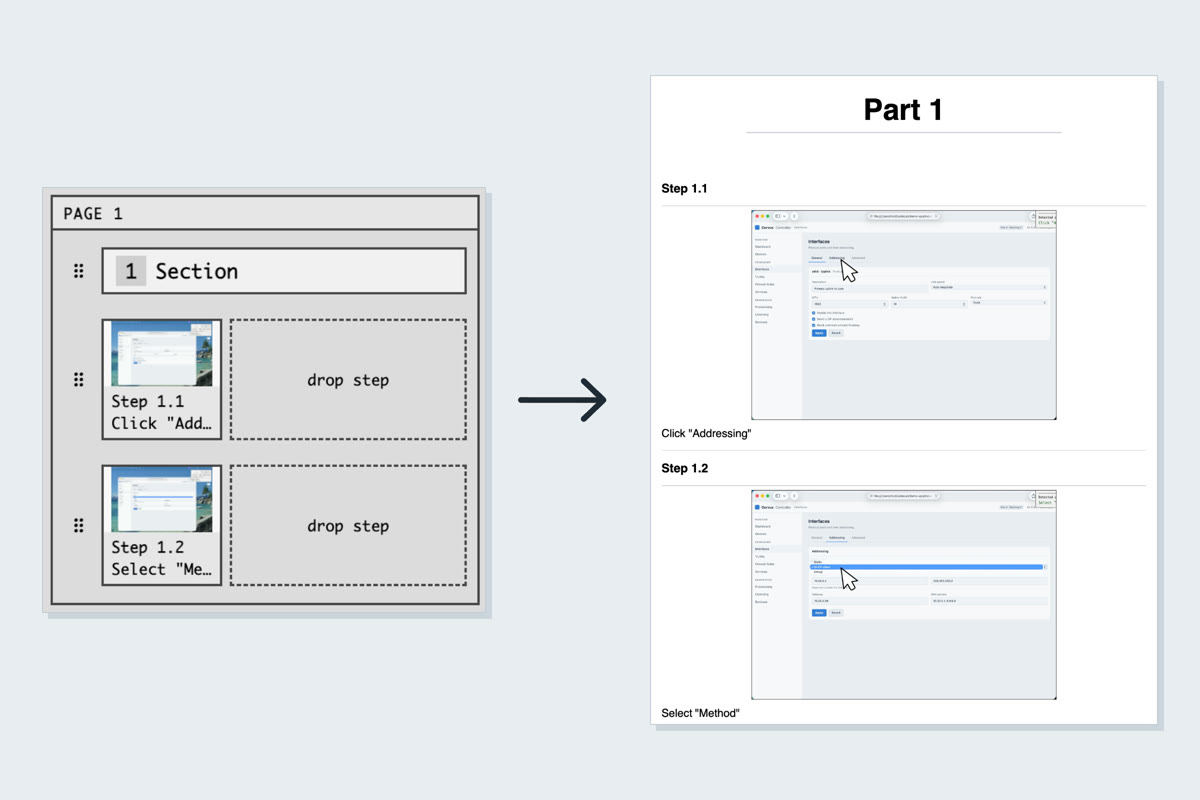
The arrange view lets you see how your steps are laid out. GuideLab is designed so that captions and images never separate.
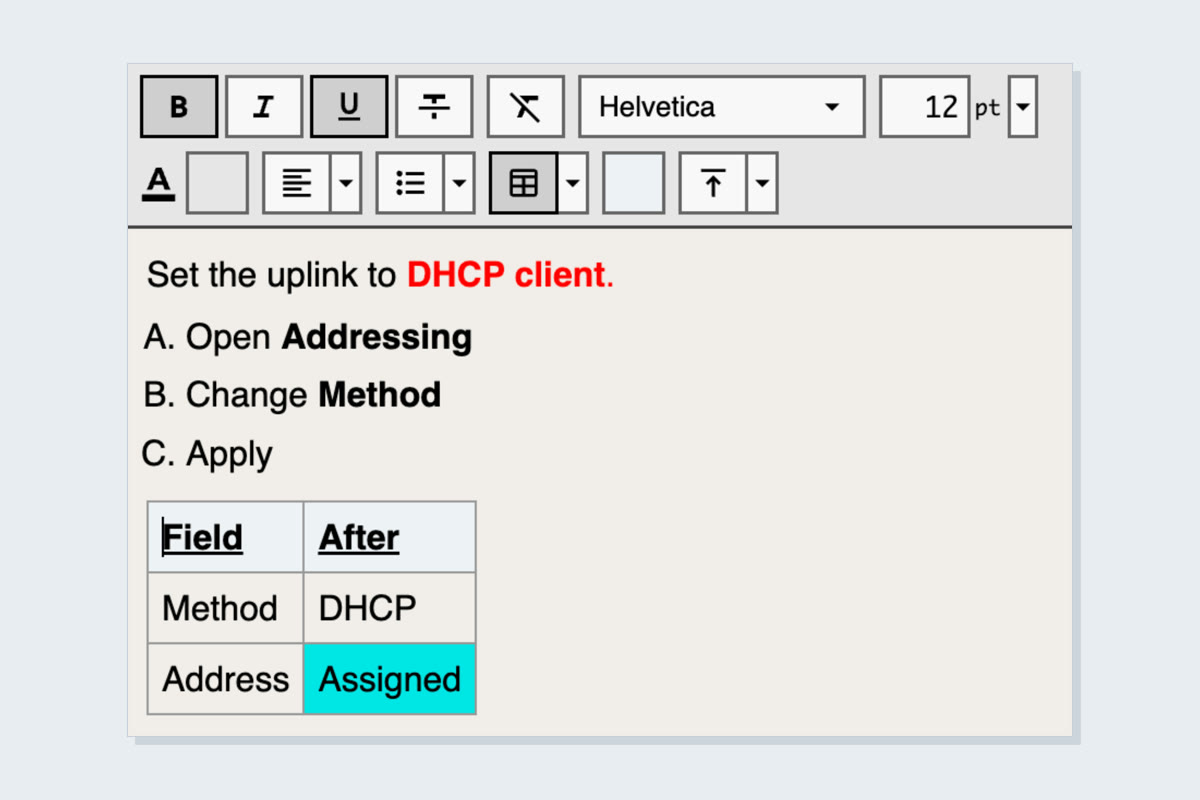
GuideLab ships with a rich text caption editor, with access to all of your system fonts.
Paying per seat somewhere else? See what eight guide making tools cost over one and five years.